Every document. One place.
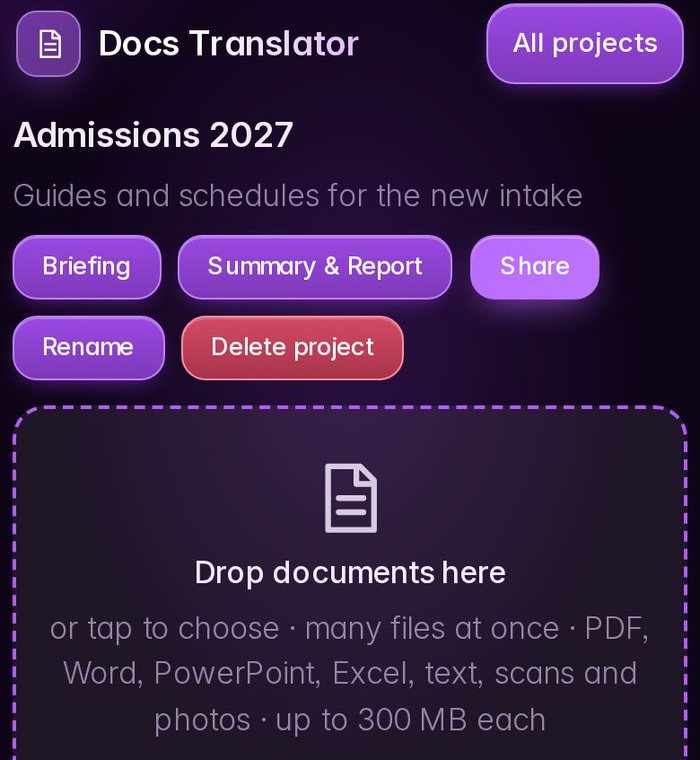
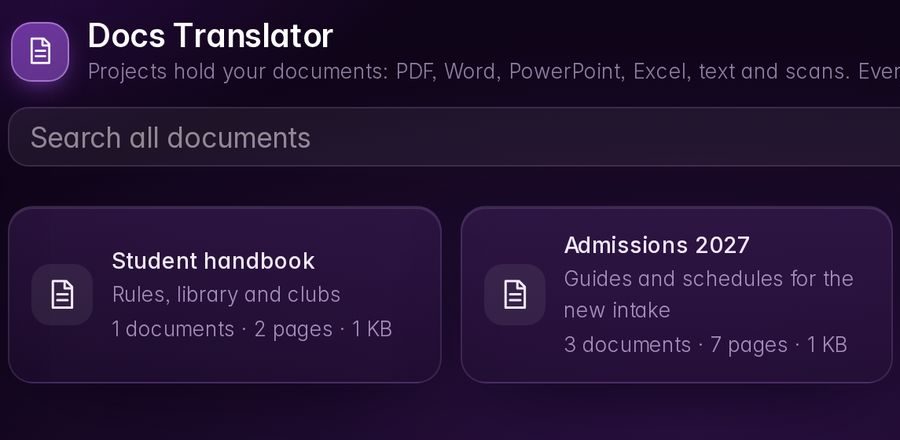
Keep your documents in projects. Open them in the browser, find any word inside them and share them with a link.
Three steps. Nothing to install.
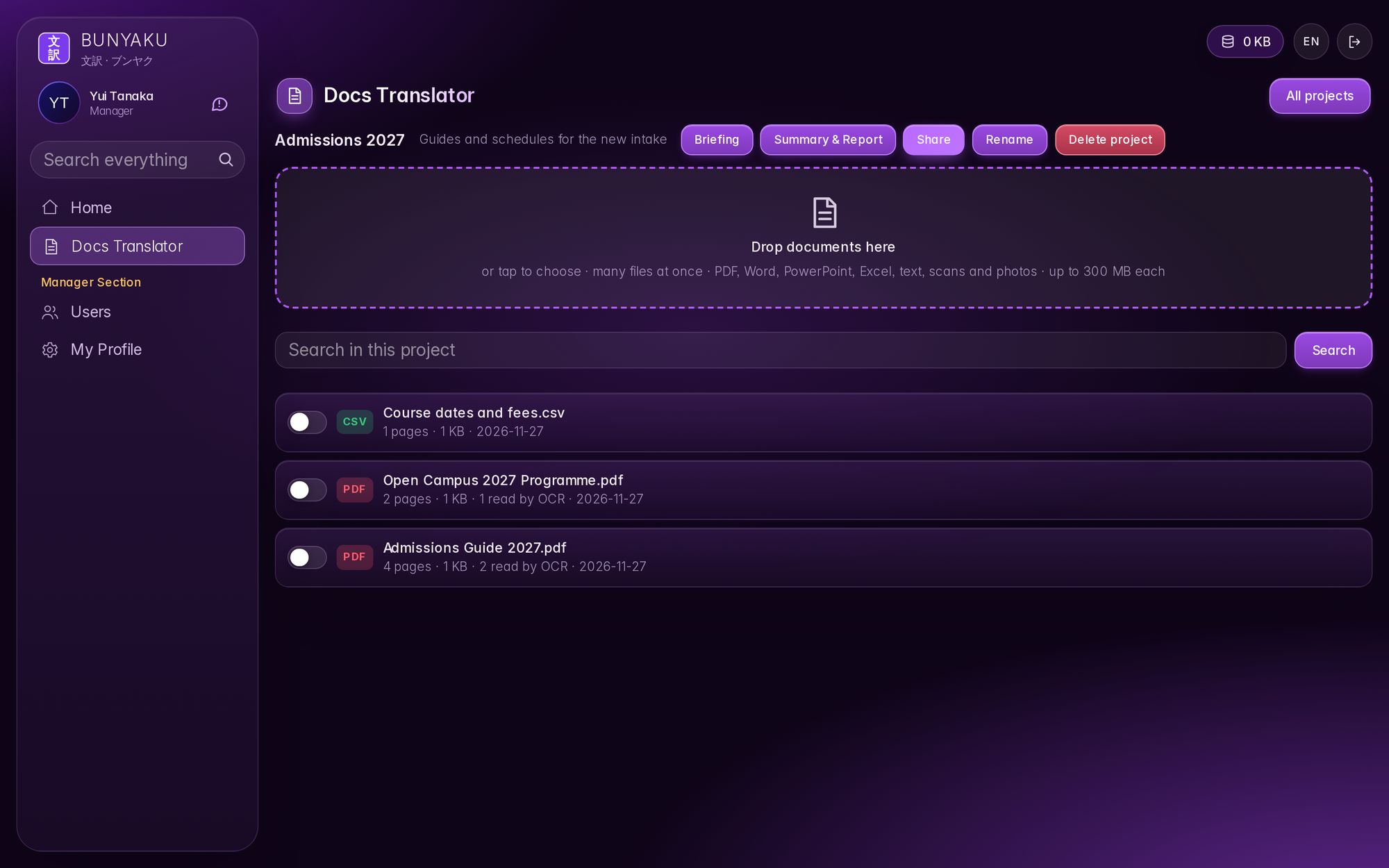
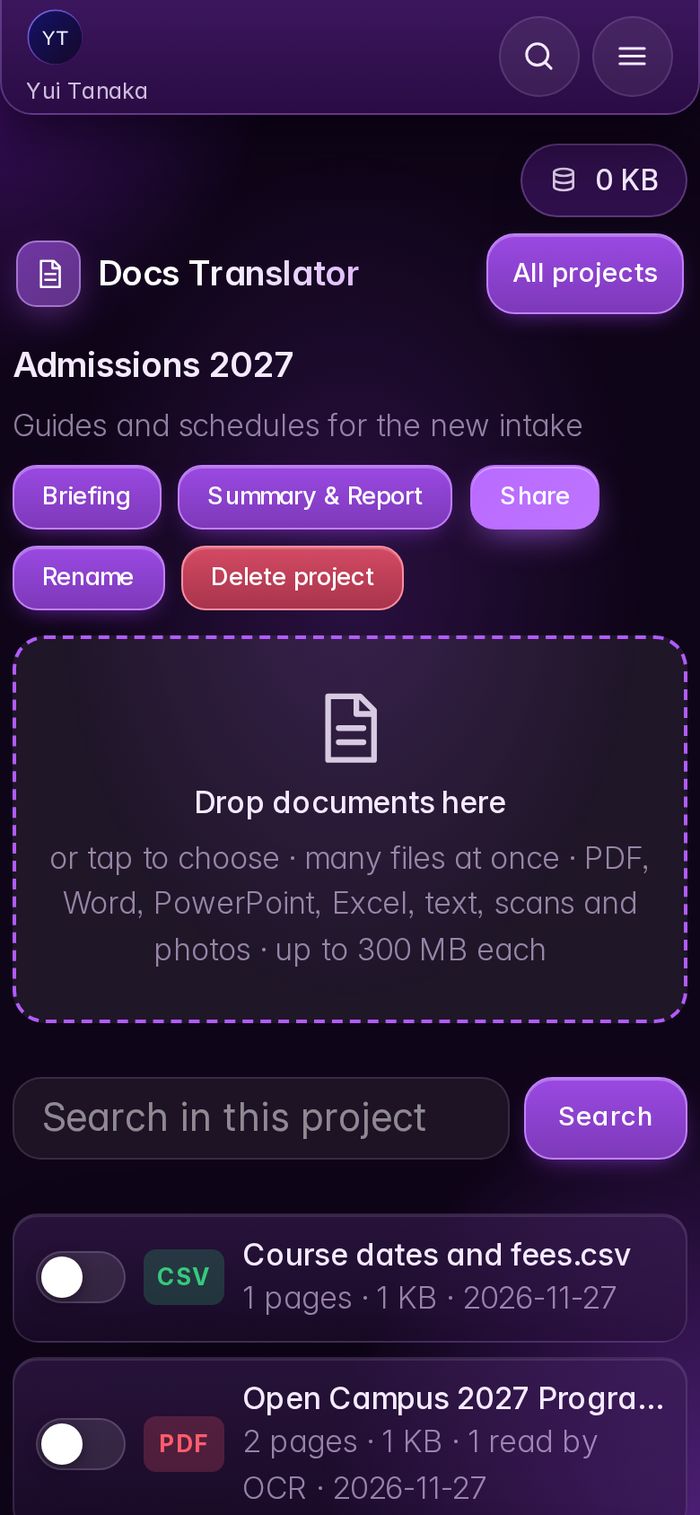
Create a project
One project for each course, team or topic.
Drop in documents
Many files at once. They open in your browser.
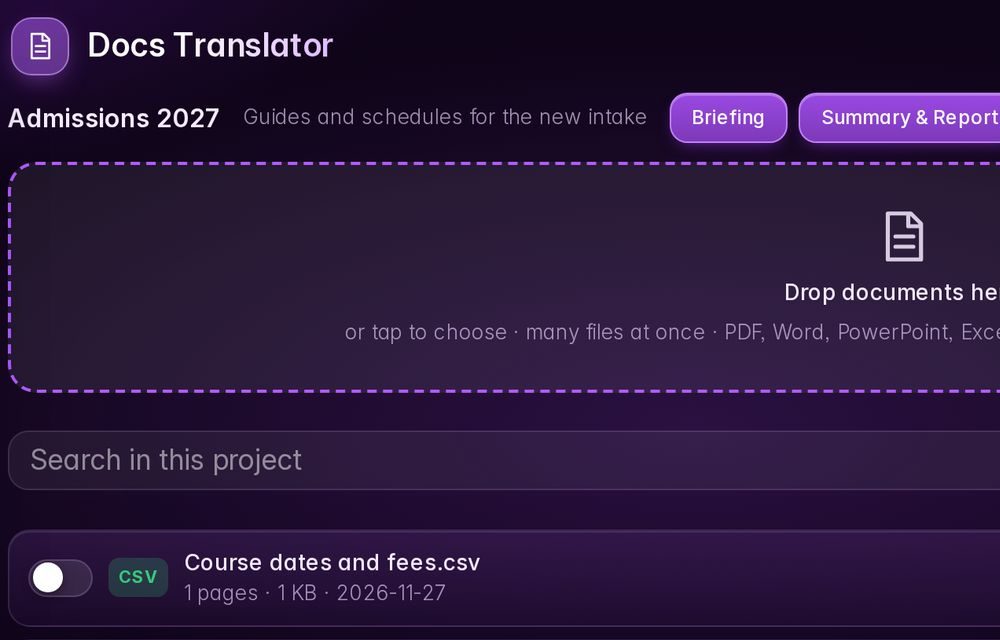
Find and share
Search every word. Share with a link.
A project for everything that belongs together.
Create a project and drop in your files, many at once, up to 300 MB each. Download the original or the text whenever you need it.
- Many files at once
- Scans and photos are read for you
- Download the original or the text
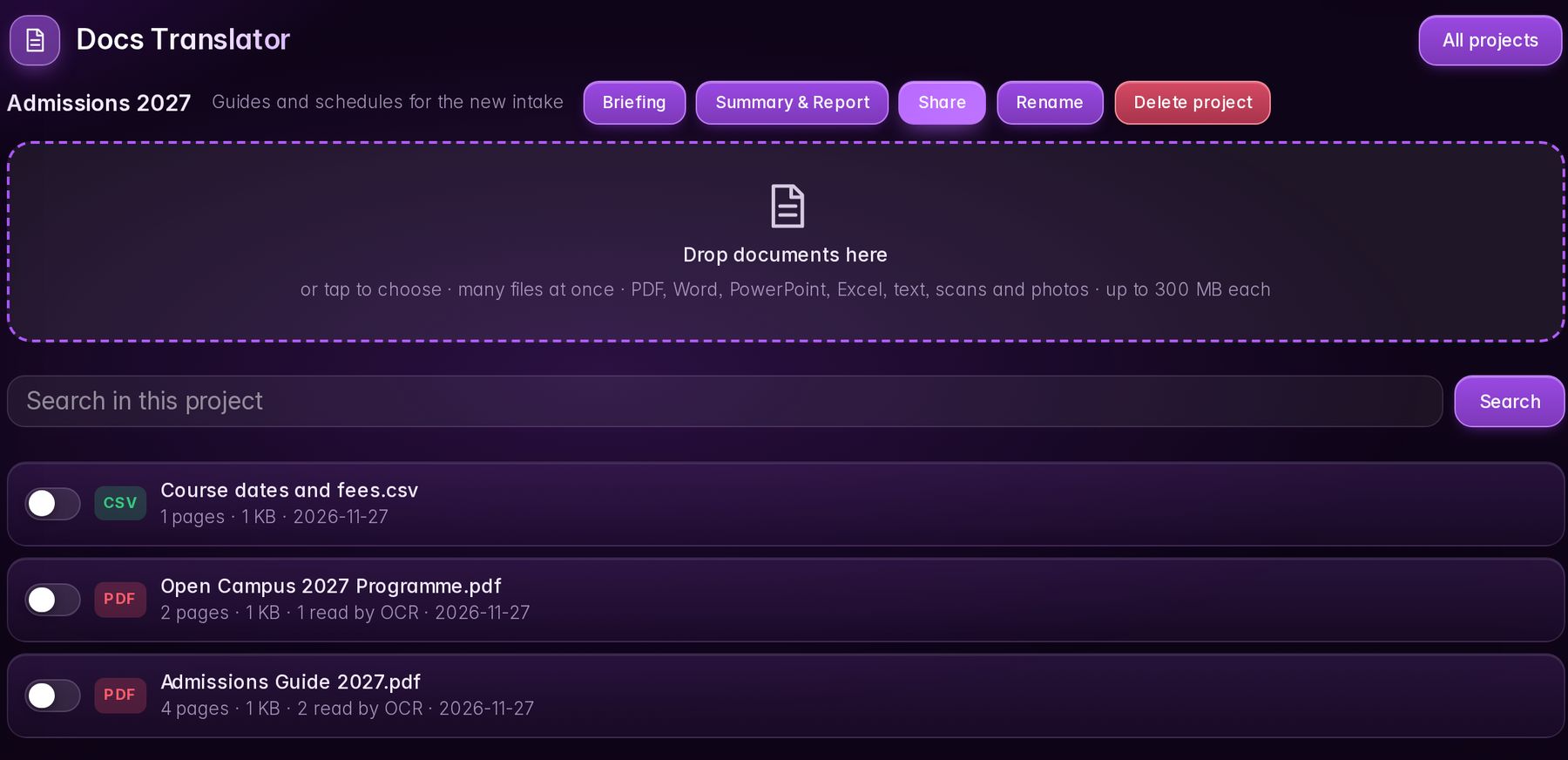
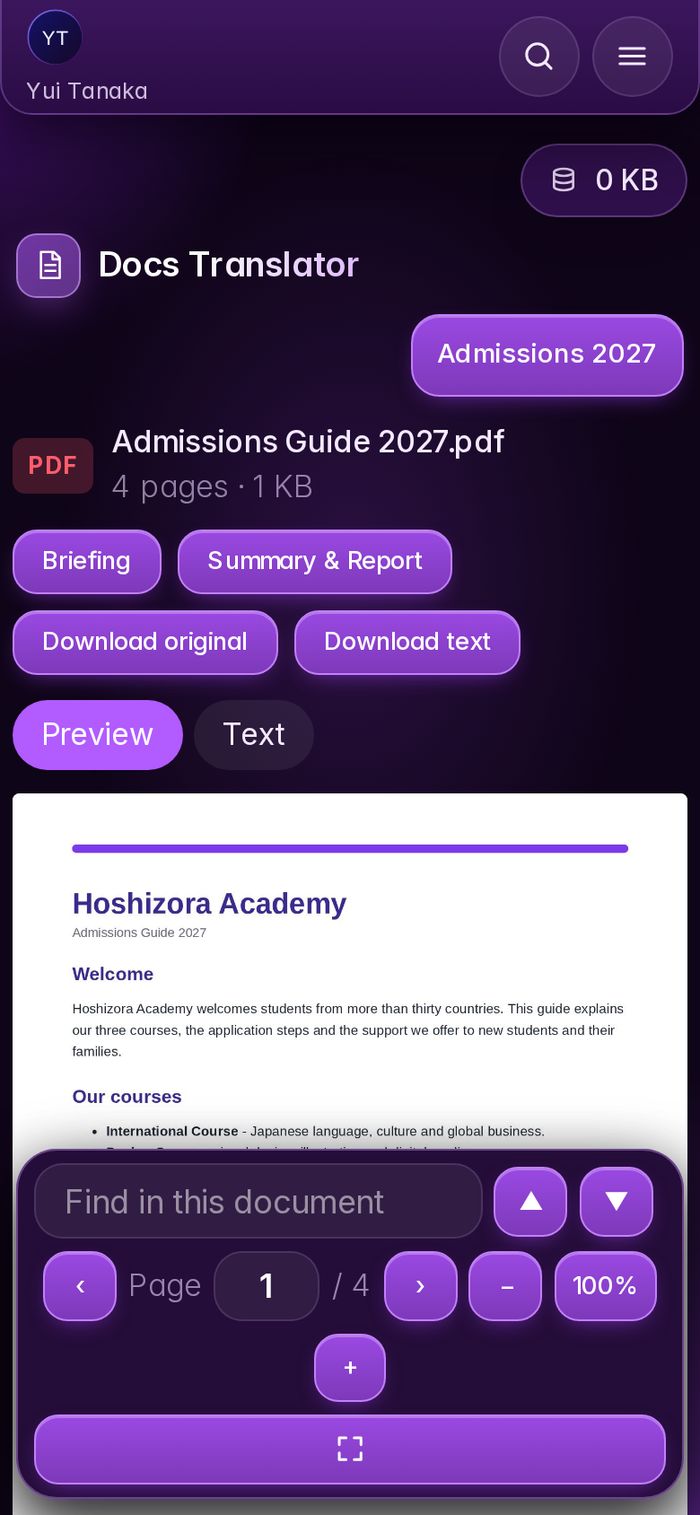
Open it as it looks. Right in the browser.
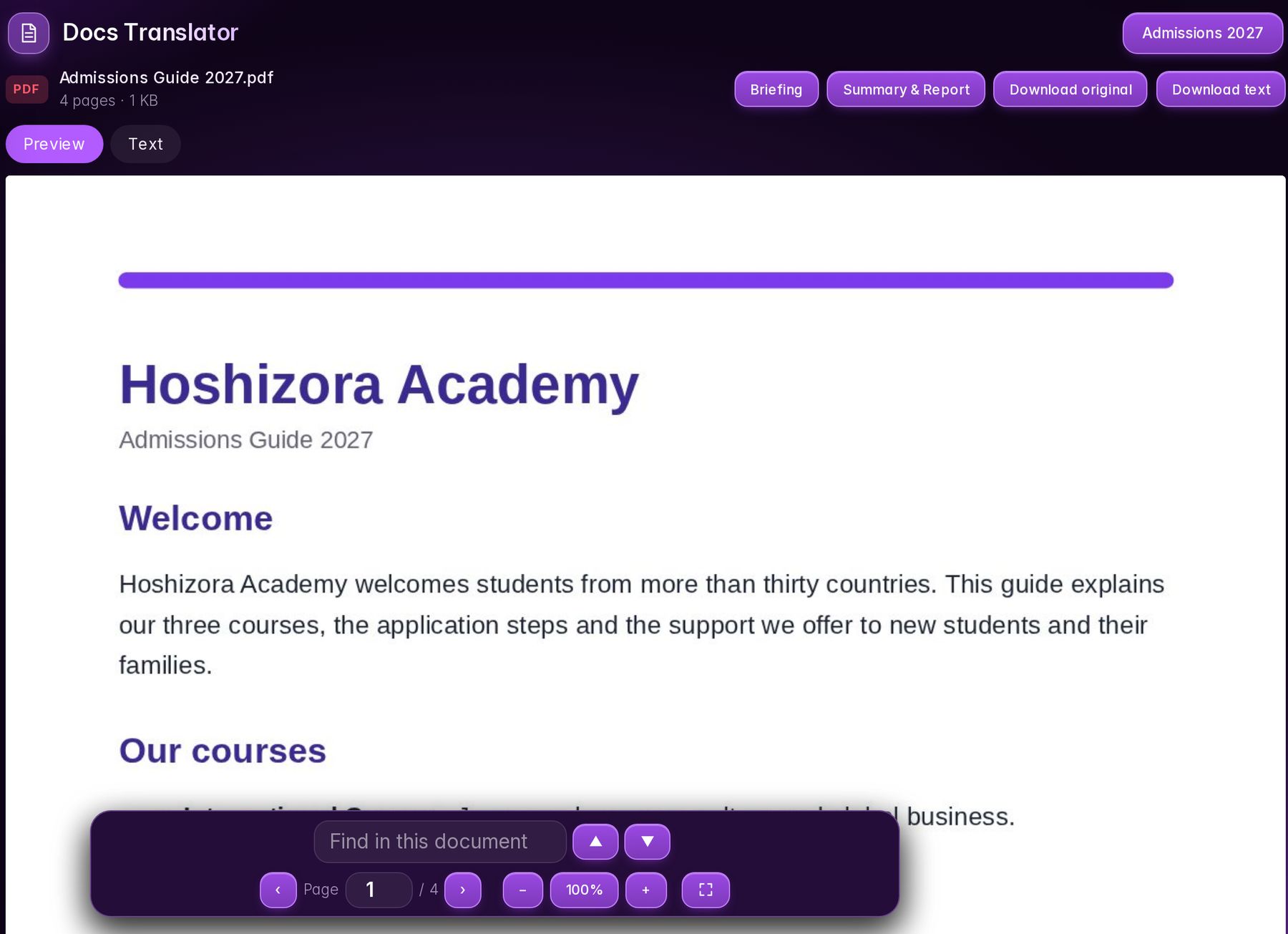
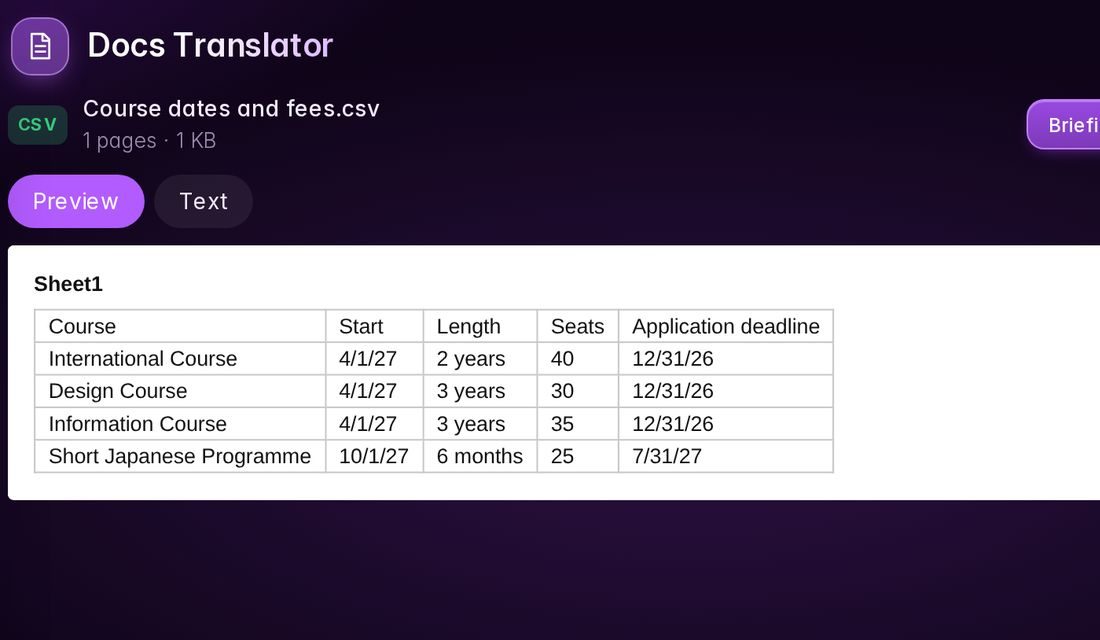
Every document opens as the original, page by page. Find words inside it, go to a page, zoom or fit it to the width. Spreadsheets open sheet by sheet.
- Looks like the original
- Find in this document
- Pages, zoom and fit to width
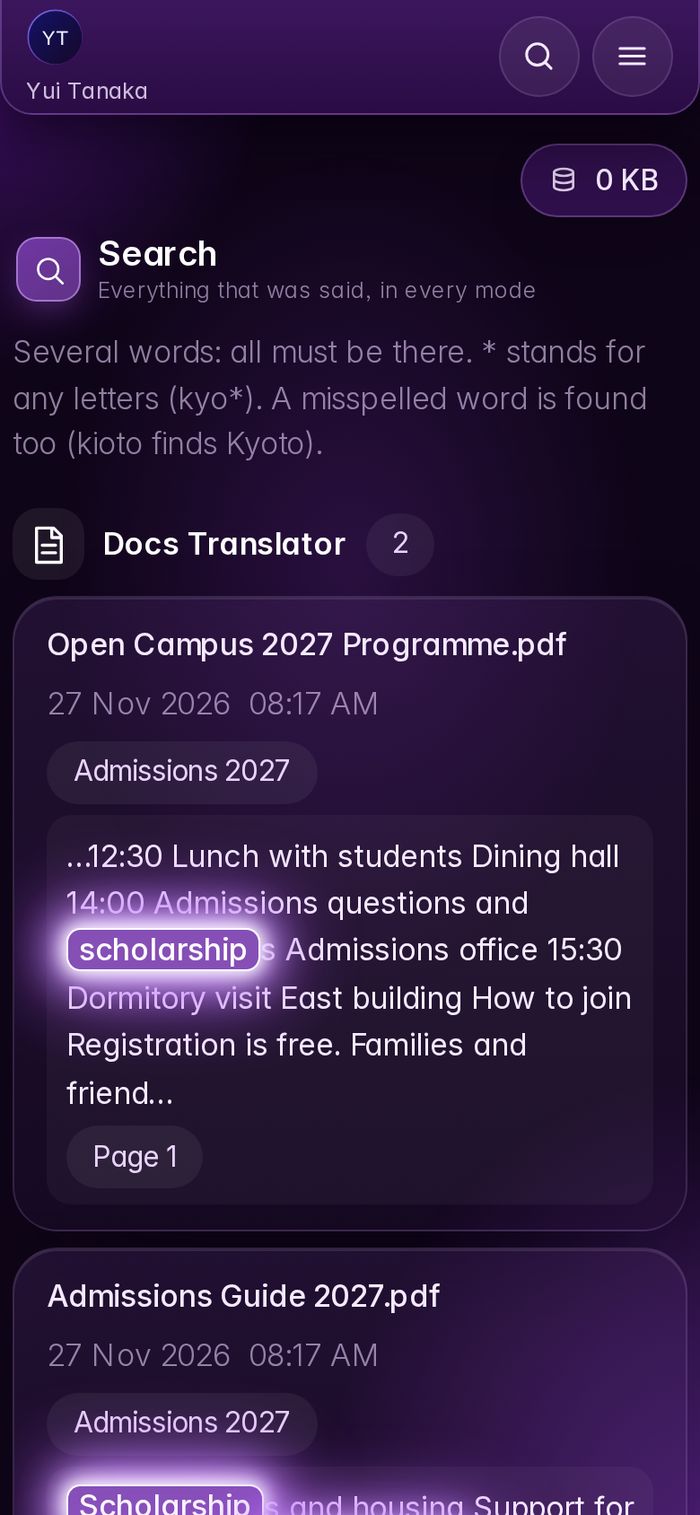
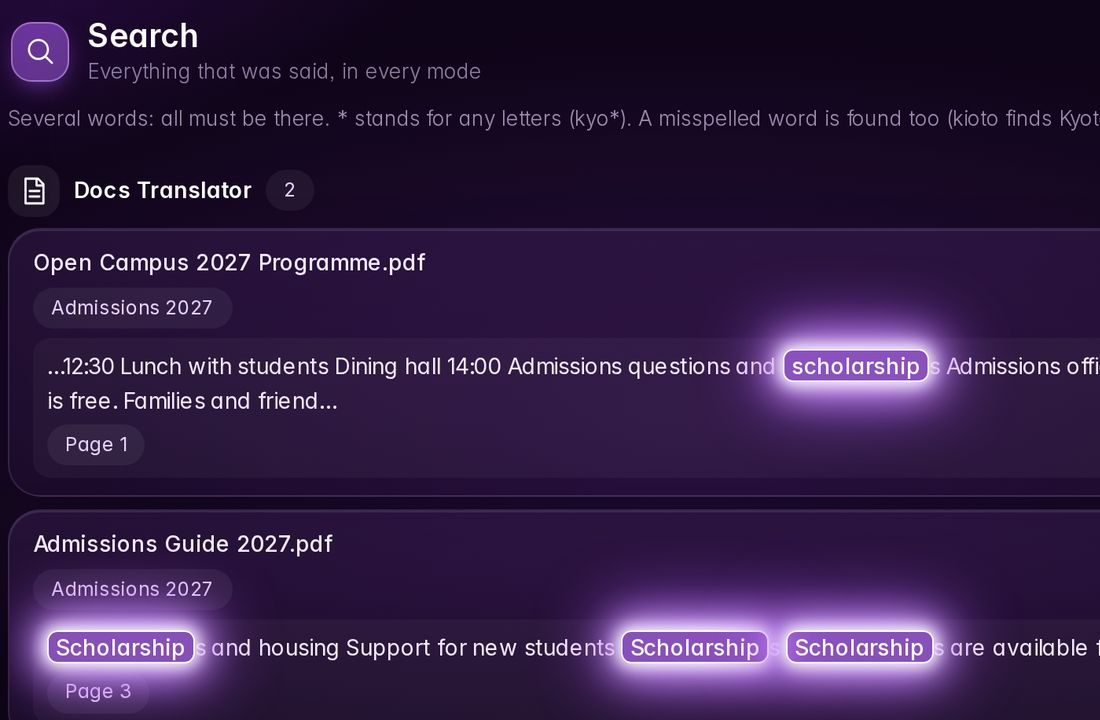
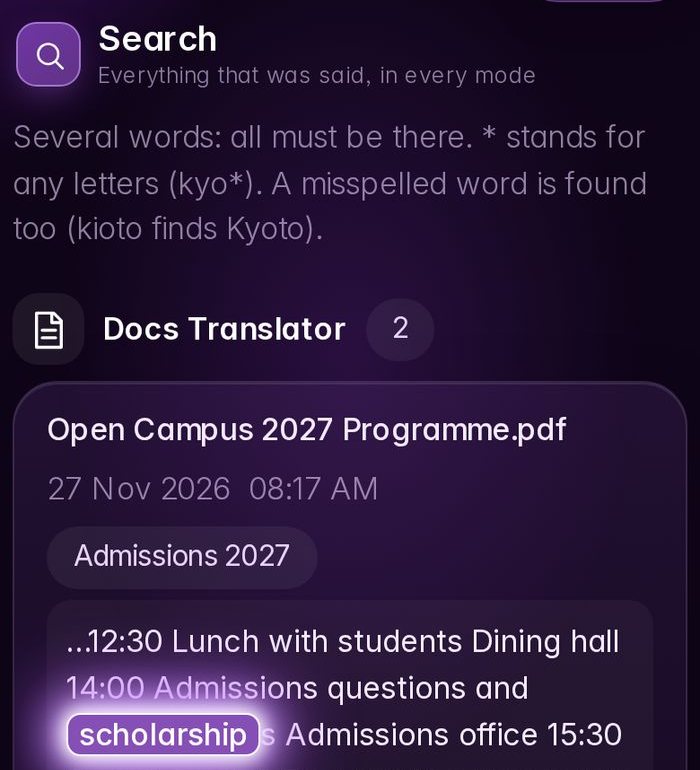
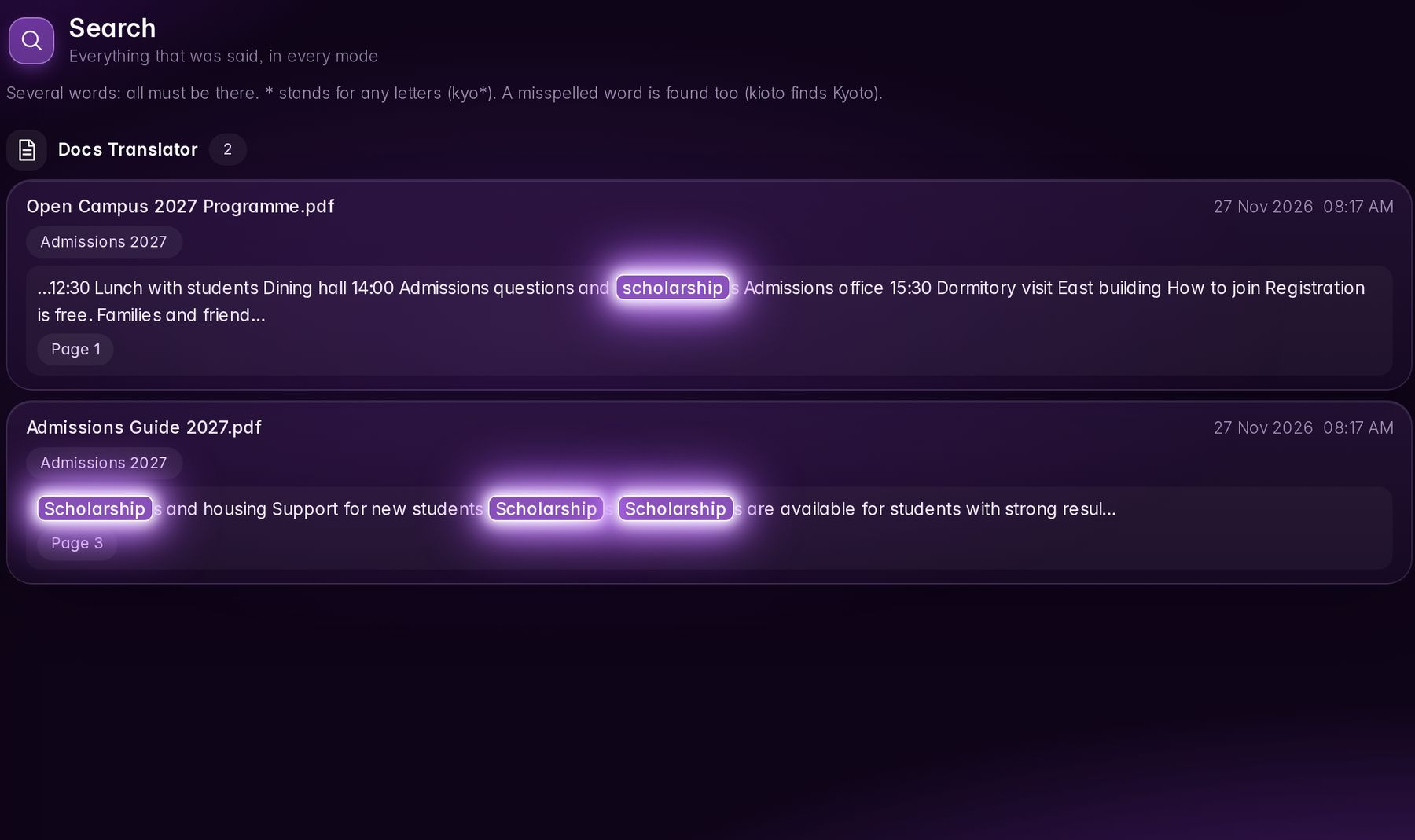
Find the words in every document.
One search looks inside all your documents. The words are highlighted and you go straight to the page.
- All documents or just one project
- Words highlighted in place
- Straight to the right page
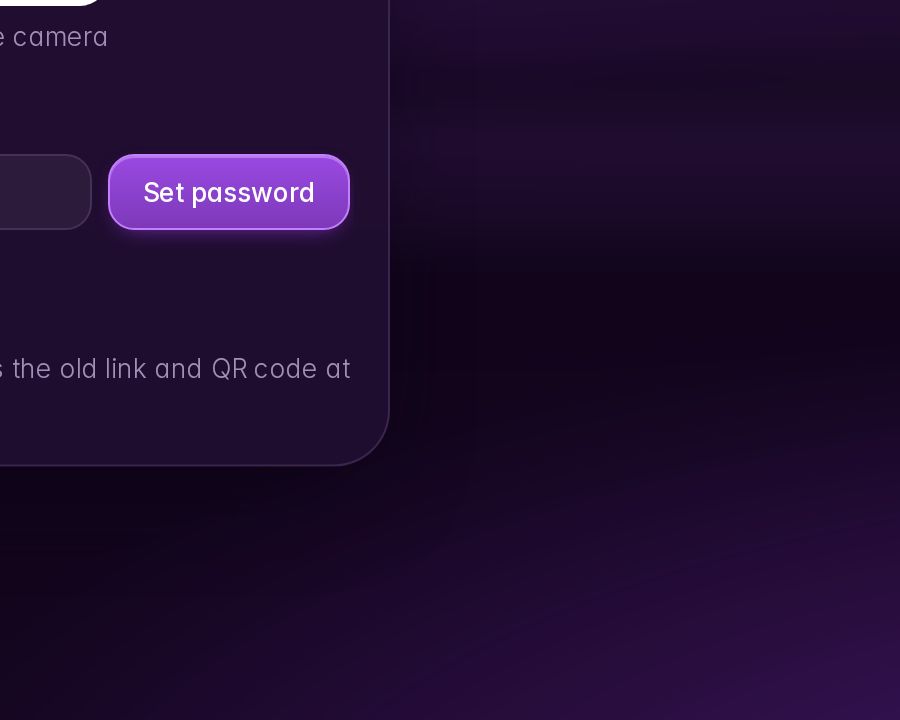
Share a whole project.
Turn sharing on and send the link or the QR code. Add a password if you like. People without an account see a read-only preview.
- Link and QR code
- Optional password
- Turn it off and the old link stops at once
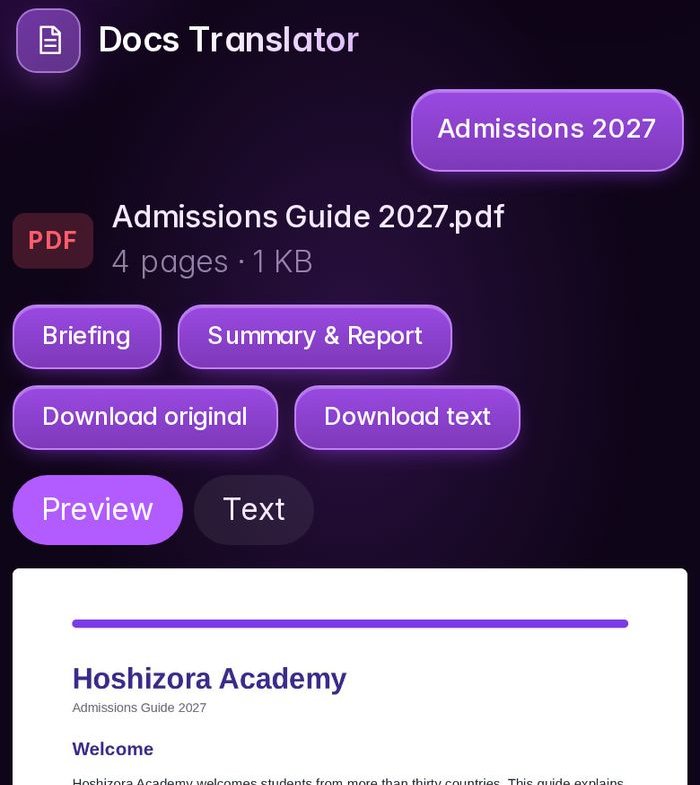
A briefing or a full report. Of one file or a whole project.
Ask for a short briefing or a Summary & Report of a single document or of everything in a project, however long it is.
- One document or the whole project
- Briefing for a quick read
- Summary & Report for the full picture
Simple on purpose.
Docs Translator
Projects of documents.
Users
Your people and their roles.
My Profile
Your account and language.